

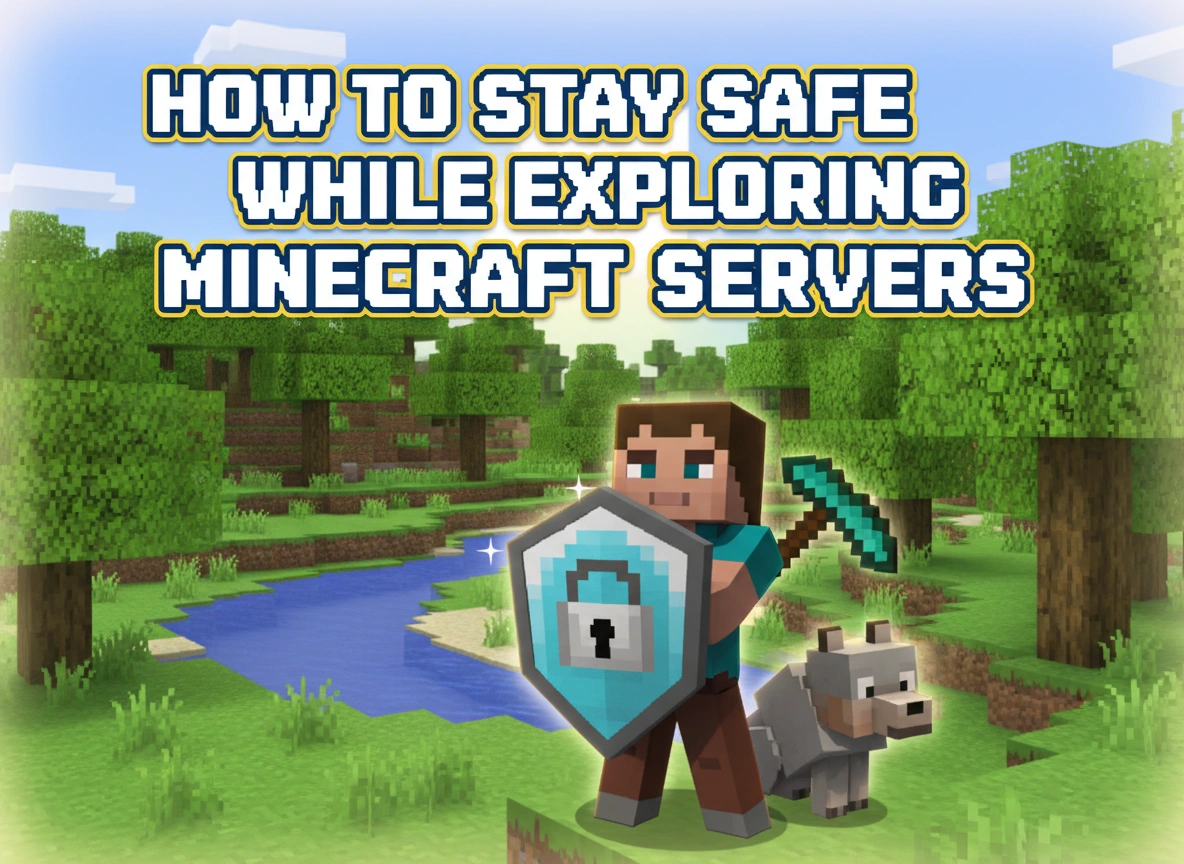
Minecraft has evolved far beyond its origins as a simple block-building game. For millions of players around the world, the true magic happens online within multiplayer servers. These digital landscapes offer endless possibilities, from massive cooperative builds to competitive minigames and intricate roleplaying communities. However, as with any online environment, navigating these virtual worlds requires a strong understanding of digital safety.
Exploring new servers can be a thrilling experience, but it also opens the door to potential vulnerabilities. By understanding the environment, recognizing the risks, and implementing solid safety practices, players of all ages can enjoy everything multiplayer Minecraft has to offer without compromising their security.
The Appeal of Minecraft Servers
To understand why server safety matters, we first need to understand the massive appeal of multiplayer Minecraft. Servers transform a solitary survival experience into a bustling social hub. Players can join massive networks that host thousands of concurrent users, participating in custom game modes like SkyWars, BedWars, or massive faction-based survival economies.
These servers foster dedicated communities. Players form friendships, collaborate on monumental architectural projects, and learn valuable skills like teamwork, problem-solving, and resource management. The creativity of server developers is boundless, often introducing custom plugins, unique rulesets, and specialized mechanics that make each server feel like an entirely new game.
Because the barrier to entry is low and the game is immensely popular across various age groups, servers attract a highly diverse demographic. This diversity is part of what makes the game beautiful, but it also necessitates a proactive approach to personal security. When you log into a public server, you are interacting with strangers from across the globe, and not everyone logs on with good intentions.
Potential Risks Associated with Exploring Servers
While the vast majority of players simply want to build and have fun, multiplayer servers harbor specific risks that players and parents must acknowledge. Recognizing these threats is the first step in avoiding them.
Phishing and Account Theft
One of the most common threats on public servers is account theft. Malicious users often use the in-game chat to share links to third-party websites. These websites might promise free capes, in-game currency, or premium ranks. Once a player clicks the link and enters their login credentials, their account is immediately compromised.
Cyberbullying and Toxic Behavior
Anonymity on the internet can sometimes bring out the worst in people. Unmoderated or poorly managed servers can become breeding grounds for harassment, griefing (the act of deliberately destroying another player’s creations), and toxic language. Constant exposure to this type of environment can ruin the gaming experience and cause genuine emotional distress.
Financial Scams
Many servers operate legitimate stores where players can purchase cosmetic items or ranks to support the server’s hosting costs. However, unauthorized servers or individual players might try to run scams. They may offer fraudulent trades, pressure younger players into buying unauthorized upgrades, or run pay-to-win schemes that violate the game’s End User License Agreement (EULA).
Privacy and Data Exposure
Social engineering is a significant risk in any chat room, and Minecraft servers are no exception. Predators or malicious actors may try to slowly extract personal information from players over time, such as real names, ages, locations, or social media handles.
Essential Tips for Staying Safe
Protecting yourself on Minecraft servers does not mean you have to avoid them altogether. By following a few key safety protocols, you can secure your account and enjoy a stress-free gaming experience.
Choose Reputable Servers
The best defense against online risks is choosing the right place to play. Stick to well-known, highly populated servers with strong reputations. Reputable servers invest heavily in active moderation teams, automated chat filters, and strict anti-cheat software. Before joining a new server, research it online. Look for community reviews, check their official website or Discord channel, and ensure they have a clear set of rules and a transparent method for reporting abusive behavior. If a server feels unmoderated or chaotic, it is best to leave and find a better community.
Protect Your Personal Information
Treat your personal information like valuable in-game diamonds—keep it locked away. Never share your real name, physical address, phone number, email, or passwords with anyone in the game, even if they claim to be a server administrator. True administrators will never ask for your password. Furthermore, avoid linking your Minecraft profile directly to your personal social media accounts where strangers can easily find your private information.
Spot and Avoid Scams
Develop a healthy skepticism regarding in-game offers. If someone in chat is offering free ranks, free Minecraft coins, or exclusive items in exchange for visiting a website, it is almost certainly a scam. Only make purchases through the official Minecraft Marketplace or the verified, official webstore of a reputable server. When trading items with other players in a survival server, use the server’s official trading mechanics or designated trade windows if available, rather than dropping items on the ground and hoping the other person honors the deal.
Parental Guidance for Younger Players
Minecraft is incredibly popular with children, making parental involvement crucial. Parents do not need to be gaming experts to keep their children safe; they just need to apply standard internet safety rules to the game.
Open Communication
Talk to your children about what they do in the game. Ask them to show you the servers they play on, the things they have built, and the people they talk to. Establishing an open dialogue ensures that if they encounter a scam, a toxic player, or something that makes them uncomfortable, they will feel safe coming to you for help rather than hiding it.
Utilize Whitelisted Servers
For younger children, public servers might simply be too unpredictable. Consider finding “whitelisted” servers. These are private or semi-private communities where players must apply and be approved by an administrator before joining. This creates a much safer, curated environment. Alternatively, you can pay a small monthly fee for a Minecraft Realm, which allows you to host a private server exclusively for your child and their real-life friends.
Adjust Account Settings
Take advantage of the privacy settings offered by Microsoft and Xbox Live (which manage Minecraft accounts). You can disable multiplayer entirely, block incoming communication from people who are not on a verified friends list, and restrict the ability to join custom servers. By customizing these settings based on your child’s age and maturity level, you can create a secure digital playground.
Conclusion
Exploring Minecraft servers opens up a universe of creativity, collaboration, and entertainment. From building sprawling medieval cities with friends to competing in fast-paced minigames, the multiplayer experience is an undeniable cornerstone of the game’s enduring legacy.
However, maintaining a safe environment requires vigilance. By understanding the potential risks, choosing moderated communities, fiercely protecting personal data, and maintaining open lines of communication between parents and younger players, we can mitigate these hazards effectively. Safety and fun are not mutually exclusive. With a mindful approach to digital security, you can confidently navigate the vast blocky networks of multiplayer Minecraft and focus entirely on your next great adventure.
Please visit website for more info.




Leave a Reply